You use Teamleader and the system does what it’s supposed to do. Tracking deals, creating quotes, sending invoices – on a day-to-day basis, this software works perfectly. But there’s a snag. You have an internal system, a proprietary application or a specific process that doesn’t integrate seamlessly with what Teamleader offers as standard. And you’re wondering: can I link the two together?
The short answer: yes. But how you go about it depends on exactly what you want to achieve. In this article, we lay out all the options — from simple no-code tools to a bespoke API integration — so you can make an informed choice.
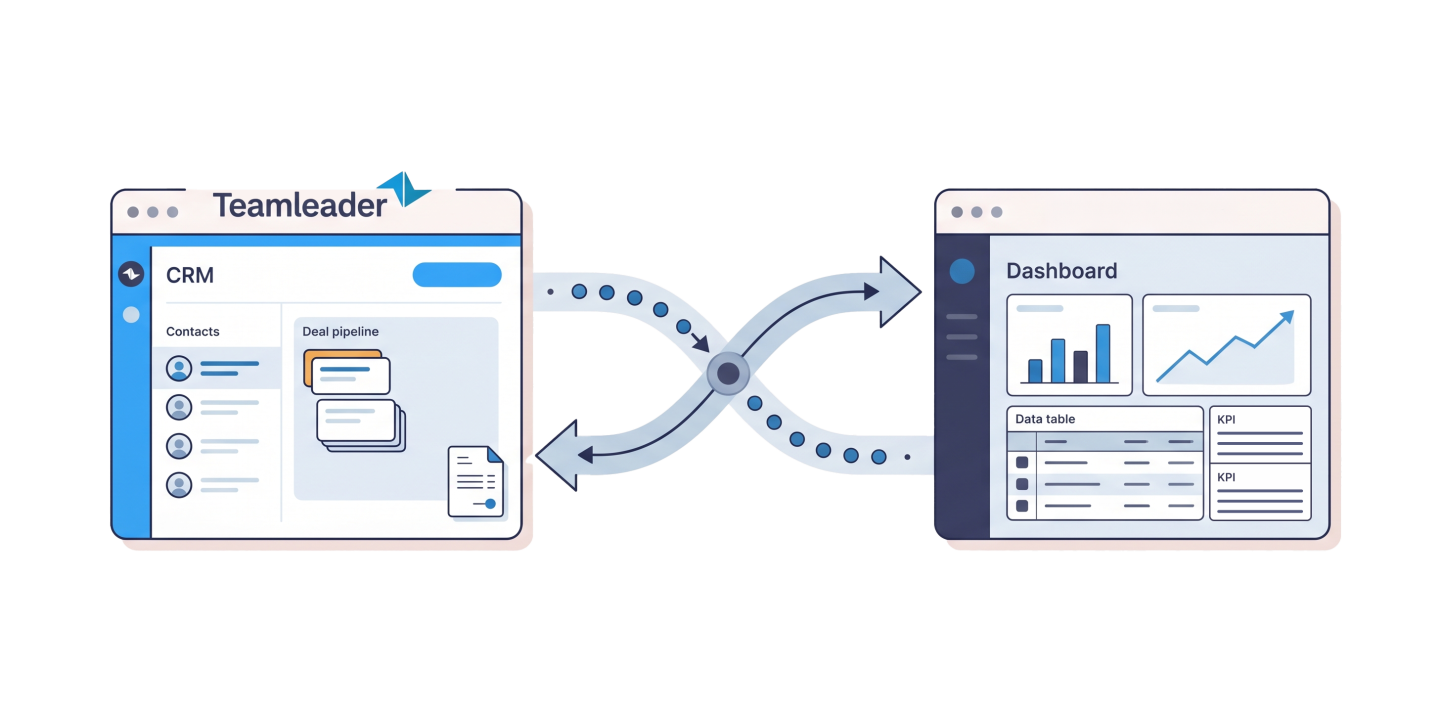
Why should you integrate Teamleader with your own system?
Teamleader is a powerful CRM and project management platform, but it isn’t all-powerful. Companies that have been using it for a while will sooner or later encounter one or more of the following situations:
- You have to manually transfer information from forms (e.g. your website’s contact form) into Teamleader on a daily basis;
- You have an internal system (scheduling software, production tool, customer portal) that requires different data to what Teamleader displays;
- You want data to be transferred automatically without manual input;
- You want to present data from Teamleader visually in a different way, on a map (e.g. Google Maps), in a dashboard, or in a customer environment;
- You have sector-specific requirements that Teamleader does not support as standard;
- You want to set up triggers: when a deal in Teamleader reaches a certain status, something must happen automatically in another system.
In all these cases, an integration is the answer. The only question is: which approach suits your situation?
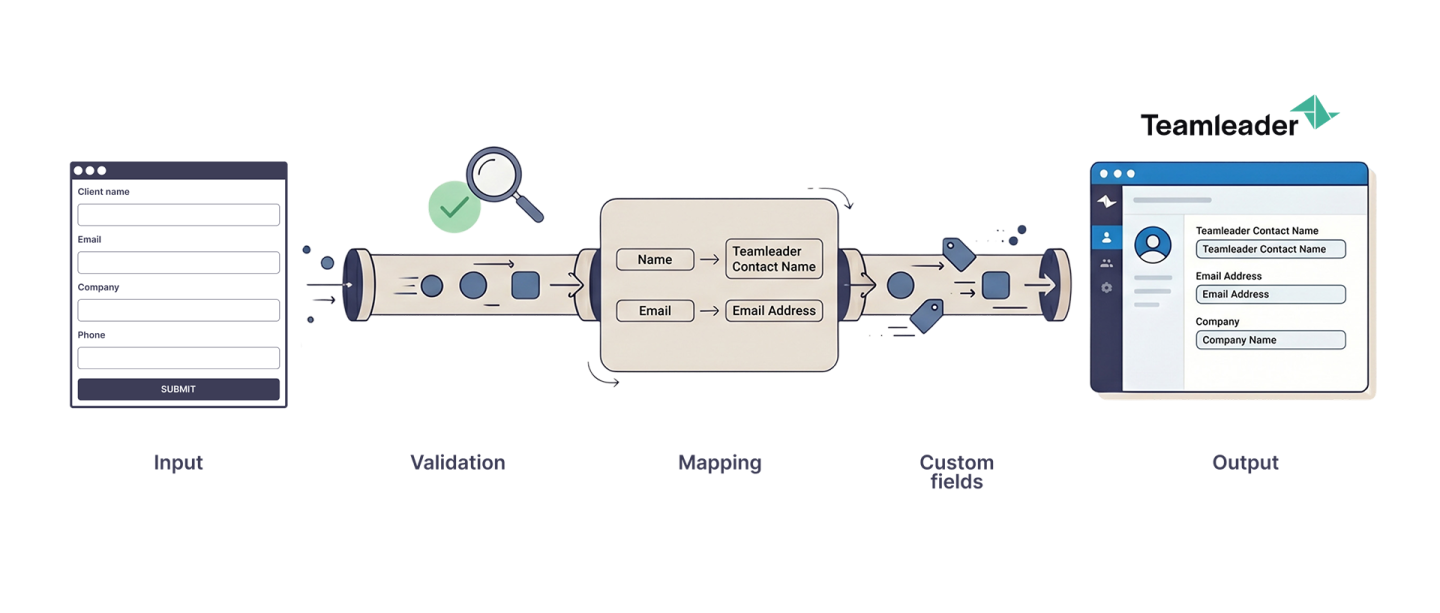
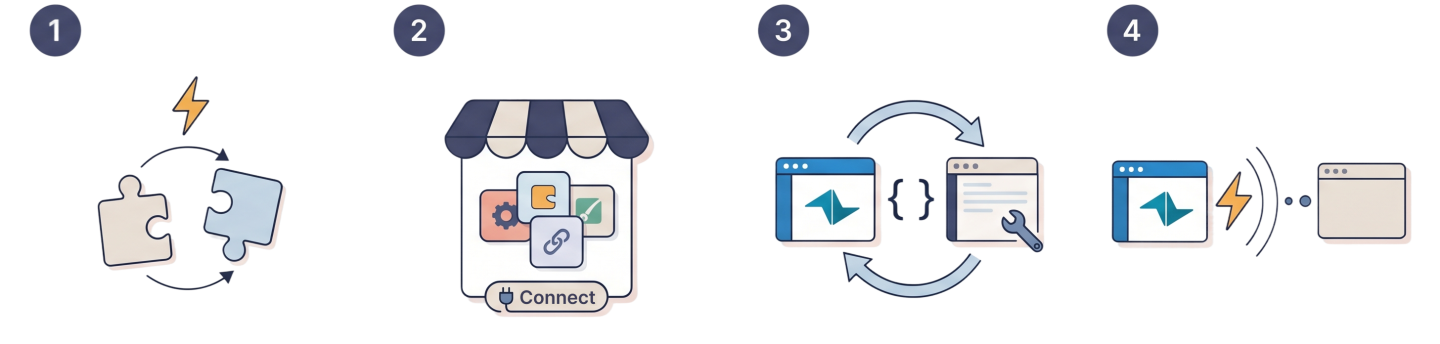
The 4 Ways to Integrate Teamleader
1. Zapier or Make (No-Code Automation)
What is it?
Zapier and Make (formerly Integromat) are no-code automation platforms. They allow you to build “flows”: if X happens in Teamleader, then do Y in another system. For example: when a new deal is created in Teamleader, automatically send a Slack notification, or when a deal is won, automatically create a new row in Google Sheets.
When does this make sense?
For simple, linear automations between popular tools. If both systems you want to connect already exist in the Zapier/Make library and you don’t need complex logic.
What are the limitations?
- You are completely dependent on what the connectors support. Not all Teamleader functionalities are available;
- Complex data flows, conditional logic, or real-time synchronization are difficult or impossible;
- You often depend on your own knowledge or team to set up and maintain these flows;
- Costs increase quickly as you use more “tasks” (operations) per month.
For a custom application or internal system, these platforms are often unnecessary and usually not powerful enough.
Suitable for?
Small teams that want to automate something quickly between well-known tools, without a development budget.
2. Existing Teamleader Integrations via the Marketplace
What is it?
Teamleader has its own marketplace with ready-made integrations for tools such as Outlook, Google Workspace, Exact, WooCommerce, and other popular software packages. On Teamleader Marketplace you can find many integrations with widely used solutions.
When does this make sense?
If your current external system is already listed and the standard connection meets your needs. You simply click “connect”, configure a few settings, and you’re done.
What are the limitations?
- You have no control over how the integration works. You take what’s available and accept that nothing beyond the provided functionalities is possible;
- Specific fields, custom workflows, or industry-specific logic rarely fit into these integrations;
- If your system is not listed in the marketplace, this option is unavailable, and chances are small that it will be added in the short term;
- Equally important: updates to the integration depend on the vendor, not on you. If one specific detail would make a huge difference for your business, you cannot expect the vendor to simply add it.
Suitable for?
Companies using standard tools that are satisfied with a basic integration.
3. The Teamleader API (Custom Integration Through Development)
What is it?
Teamleader offers an extensive REST API that allows you to programmatically communicate with all data in your Teamleader environment: contacts, companies, deals, projects, invoices, tasks, and more. With this API, your own software can read, write, and update data in Teamleader, or retrieve data from Teamleader to display or process elsewhere. As you can imagine, this becomes very interesting because the API removes virtually all limitations.
Which Teamleader processes currently cost you a significant amount of time? Which processes involve repetitive work that nobody enjoys? Through the Teamleader REST API, there are virtually no limits to fully automating these workflows.
What can you concretely do with it?
- Create a new contact in Teamleader through your website’s contact form;
- Retrieve the status of a deal and display it in your internal planning application;
- Automatically create an invoice based on data from an external system;
- Retrieve all open projects of a customer and display them in a customer portal;
- Automatically synchronize changes from your own application to Teamleader.
This is the most flexible option, but it does require development work. You need a developer to build the API calls, handle authentication, and ensure robust error handling.
When is this the right choice?
- If you have a custom application or internal system that truly needs to work together with Teamleader;
- If you want to implement specific business logic that goes beyond a standard integration;
- If you want full control over how, when, and what gets synchronized;
- If you want to visualize or process Teamleader data differently from how the tool itself allows.
What are the technical requirements?
The Teamleader API is well documented and works through standard HTTP requests. Every call requires authentication via an access token. Rate limiting applies (the number of calls per time unit is limited), which should be taken into account when designing your integration architecture.
A concrete example?
Is it difficult to picture what this looks like in practice? Recently, we were asked to develop a smart integration between Google Maps and Teamleader. The goal was to display the complete planning from Teamleader on a live map. A construction company has teams on-site or travelling between projects, and with only a project list it’s often difficult to maintain an overview of who is where. A live map visualization therefore provides maximum operational efficiency on the field.
Want to read more about how we approached this project? Continue reading here:
Smart integration between Google Maps and Teamleader.
4. Teamleader Webhooks (Real-Time Notifications)
What is it?
In addition to the API, Teamleader also offers webhooks for customers. This is a mechanism where Teamleader itself sends a signal to your application the moment something changes: a deal is created, a status changes, or an invoice is sent.
The difference compared to the API
With the API, your system must actively “query” Teamleader (pull). With webhooks, Teamleader itself sends the information at the moment the event happens (push). This is more efficient and faster, especially for real-time applications.
Practical example
A deal in Teamleader receives the status “Won”. At that moment, Teamleader automatically sends a message to your application, which can immediately trigger the required follow-up actions: sending a welcome email, starting a planning process, or opening a file in your internal system.
When should you use webhooks?
Webhooks are ideal when you want to react to events in Teamleader in real time, without constantly polling Teamleader to check if something has changed. In practice, webhooks are almost always combined with the API discussed above. Webhooks provide the trigger, while API calls handle the actual data exchange.
Where does it go wrong? 5 pitfalls of Teamleader integrations
1. Underestimating authentication
Teamleader uses OAuth 2.0 and access tokens that expire; this is very important to bear in mind if you wish to use the API or webhooks. You must implement a token refresh, otherwise your integration will stop working after a while. This is one of the most common reasons why your integration might suddenly stop working.
2. Ignore rate limiting
The Teamleader API has limits on the number of requests per time unit. If you want to synchronise large amounts of data, you need to take this into account in your architecture. Batch processing, smart caching and avoiding unnecessary calls are the solutions here.
3. Two-way synchronisation without a conflict resolution strategy
If both Teamleader and your own system can modify data, you need to decide which is the ‘source of truth’ or ‘master’. What happens if the same record is updated in both systems at the same time (the chance of this is very small, of course, but it’s not impossible)? Without a clear strategy, you’ll end up with data inconsistencies that are difficult to debug.
4. Do not include error handling
API calls can fail due to network issues, server errors or rate limiting. Without a proper retry mechanism and logging, you’ll lose data without even realising it. Robust error handling isn’t a luxury, but a must.
5. Do not include custom fields in the schedule
Teamleader allows you to create custom fields for deals, contacts and companies. These fields often contain the most valuable data for your specific use case. Don’t forget to include them in your integration design, and consider how you’ll map them to the fields in your own system.
How much does a bespoke Teamleader integration cost?
That’s a question we’re often asked at Inventis, and we’ll give you an honest answer so you can get a clear picture of all aspects of Teamleader integrations. The cost naturally depends on the complexity of the integration:
Simple integration
This includes integrations such as: one-way, limited endpoints, minimal logic, etc. The budget starts from €1,000 to €2,000. Think of: retrieving new deals from Teamleader and displaying them in your own dashboard.
Medium integration
This includes integrations such as: bidirectional, multiple entities, webhooks, custom fields, etc. The budget typically allocated for this ranges from €5,000 to €10,000, depending on the scope.
Complex integration
This includes integrations such as: real-time synchronisation, complex business logic, linking with multiple systems, extensive error handling, … The budget starts from €10,000.
In addition to the initial development cost, there is also maintenance: API versions are updated, Teamleader adds new endpoints, and your own system evolves. Set aside a small annual maintenance budget.
However, we recommend thinking in the opposite direction, because once an integration is up and running, these processes run daily, 24/7, at no extra cost. Think in particular of all the working hours you can save by setting up an integration; think of all the manual work that suddenly disappears and can be put to better use, every day, every week, every year.
When should you opt for bespoke development over a no-code tool?
The rule of thumb we always use at Inventis is this: if the logic behind your integration involves more than three steps, is conditional, or requires processing data that isn’t readily available in Zapier or Make’s connectors, then you’re better off with bespoke development.
No-code tools are useful for simple, linear automations. But they have their limits, and you’ll reach them sooner than you think as soon as your business processes become more complex or you realise the added value of further automation. Custom integration is more expensive upfront, but gives you full control and scales with your organisation. What’s more, if you already have your own application that is central to your operations, there is little point in throwing a no-code tool in there that you will eventually replace with something more robust anyway.
What does Inventis do with Teamleader integrations?
We build bespoke web applications and integrations in PHP. We are familiar with the Teamleader API and have already built several integrations that significantly simplify business processes.
What makes our approach different? We work with you to design the architecture of your integration, not just the technical implementation. We examine your business process, ask the right questions about data flows and conflict resolution, and build a solution that not only works today but will still be maintainable in two years’ time.
We don’t like to make empty promises. If a no-code tool is sufficient for your situation, we’ll tell you that honestly. If a bespoke solution is the right choice, we’ll go for it, with a solid foundation and an eye on the long term.
Conclusion
Integrating Teamleader with your own application is certainly possible, but the approach varies depending on your situation. No-code tools such as Zapier or Make offer a quick start for simple automations. The Teamleader marketplace helps you connect with popular off-the-shelf packages. However, if you have your own system with specific requirements, bespoke API integration—possibly combined with webhooks—is the only truly robust solution.
The investment pays off if the integration eliminates manual processes, reduces errors and gives your team time to do what they do best.
Wondering if your situation is suitable for a bespoke Teamleader integration?
Get in touch with our team; we’d be happy to help you find the best approach for your specific use case.
Wondering if your situation is suitable for a bespoke Teamleader integration?
Get in touch with our team; we’d be happy to help you find the best approach for your specific use case.